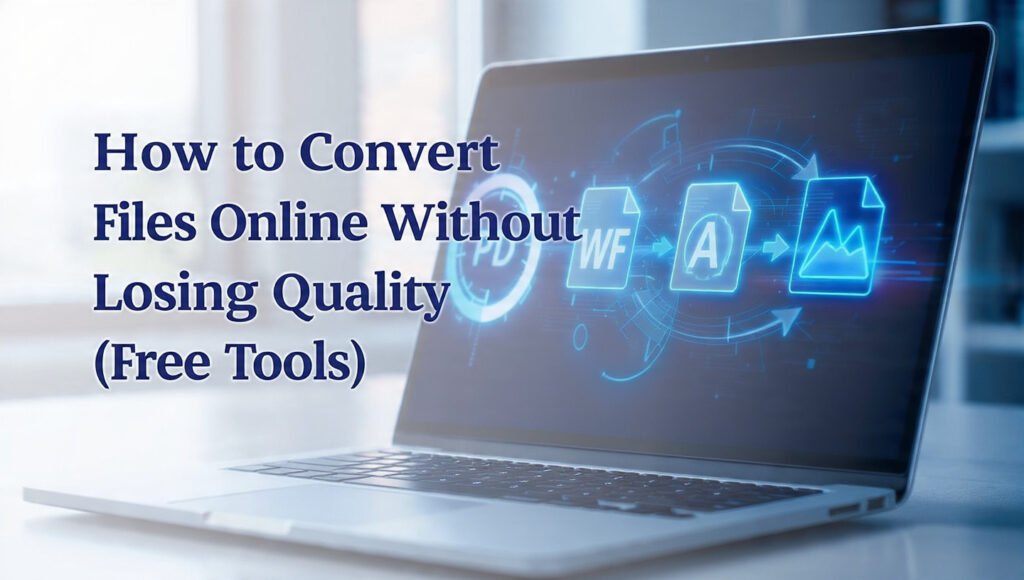
How to Convert Files Online Without Losing Quality (Free Tools)
Updated: November 2025 | By QuickToolsBox Team
Introduction
In 2025, everyone — from students and professionals to content creators — deals with dozens of file formats daily. Whether it’s converting PDFs to Word documents, compressing images for uploads, or changing an Excel sheet into a PDF, the goal remains the same: convert files online without losing quality.
Luckily, free online tools have made this process faster and smarter than ever. No installations, no heavy software — just quick, high-quality file conversions right in your browser. In this article, we’ll show you the best free tools and methods to convert your files efficiently while keeping your data safe and your quality intact.
Why File Quality Matters During Conversion
When converting files, quality loss can happen if the tool compresses too aggressively or alters formatting. This can lead to blurry images, misaligned text, or broken layouts. For professionals, this can affect brand credibility; for students or freelancers, it means more editing work.
That’s why using reliable online tools like QuickToolsBox is essential — they’re designed to maintain original resolution, layout, and formatting while performing fast conversions.
Step-by-Step Guide: How to Convert Files Online Without Losing Quality
| Step | Instruction | Tool |
|---|---|---|
| 1 | Go to QuickToolsBox and choose your conversion tool. | QuickToolsBox Online |
| 2 | Upload your file (PDF, Word, Excel, Image, etc.). | Drag & Drop Upload Area |
| 3 | Select your desired output format (PDF, DOCX, JPG, etc.). | Format Dropdown |
| 4 | Click on “Convert” and wait for processing. | Convert Button |
| 5 | Preview or download the converted file instantly. | Download Section |
Top Free Tools for Online File Conversion
1. Free PDF Merger
When dealing with multiple PDFs, merging them without reducing quality can be tricky. The Free PDF Merger by QuickToolsBox ensures every page remains crystal clear and aligned. You can combine unlimited pages and download a perfectly merged document in seconds.
2. Free PDF Compressor (Reduce PDF Size)
Large PDFs are hard to share or upload. With Free PDF Compressor, you can reduce file size while maintaining quality. Unlike many compressors that make text unreadable, this one balances compression and clarity using smart optimization algorithms.
3. Excel to PDF Converter
Want to turn spreadsheets into clean, printable PDFs? Try Excel to PDF Converter. It preserves formatting, colors, and table structures — ensuring your data looks professional on every device or printout.
4. Text to Speech Converter
Need to transform written content into audio without distortion? The Text to Speech tool converts your text into natural-sounding voices instantly. It’s perfect for bloggers, content creators, or students who prefer listening while multitasking.
5. Free Age Calculator
While not a file converter, Free Age Calculator shows the accuracy of QuickToolsBox’s backend system. It calculates age in seconds with precise date handling — reflecting the same accuracy used across their file tools.
Tips to Avoid Quality Loss During File Conversion
- Always use trusted online platforms — avoid random converters that add watermarks or compress data heavily.
- Preview before downloading — check alignment, fonts, and colors.
- Choose high-quality settings if available, such as 300 DPI for images or “Original Quality” for PDFs.
- Use lossless compression when offered — it reduces size without affecting image or text fidelity.
Benefits of Using QuickToolsBox Online
QuickToolsBox isn’t just a conversion site; it’s an entire AI-powered productivity suite. Whether merging PDFs or converting Excel sheets, its tools are designed for both beginners and pros.
- ✅ 100% free and web-based — no installation needed
- ✅ Works on mobile, tablet, and desktop
- ✅ Supports all major formats (PDF, DOCX, XLSX, TXT, JPG)
- ✅ Data security — files auto-delete after conversion
- ✅ Lightning-fast conversions with no quality loss
External Resources for File Conversion Enthusiasts
Here are some useful external references to learn more about maintaining file integrity during conversions:
Conclusion
Converting files online doesn’t mean compromising quality anymore. With the right tools — especially from QuickToolsBox — you can achieve professional results in seconds. Whether you need to merge, compress, or convert, these free utilities make file management effortless and precise.In conclusion, if you want to know how to convert files online without losing quality, QuickToolsBox offers the best free tools for accurate and secure conversions
So next time you need a conversion tool, remember: simplicity, speed, and quality are just a click away with QuickToolsBox.
Leave a Reply