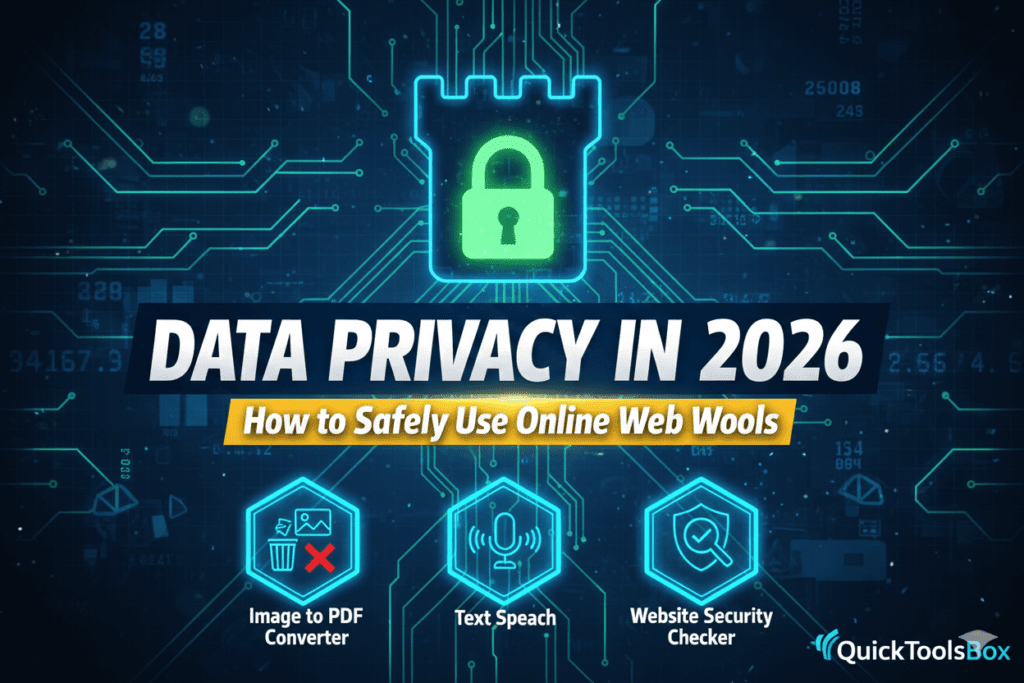
Data Privacy in 2026: How to Safely Use Online Web Tools
Navigating the digital landscape of Data Privacy in 2026 has become more complex than ever before. With AI agents handling our schedules and cloud-based tools processing our most sensitive documents, the line between convenience and vulnerability has blurred. We all love the speed of web tools, but have you ever stopped to wonder where your data goes after you click “Convert” or “Upload”?
I remember a situation last year when a colleague uploaded a confidential financial report to a random, unverified PDF converter. Within days, his inbox was flooded with hyper-targeted phishing emails that knew his exact bank and transaction history. It was a wake-up call for our entire team. That experience taught me that understanding Data Privacy in 2026 isn’t just for tech experts—it’s a survival skill for every internet user. Since then, I only trust tools that prioritize client-side processing or have transparent deletion policies.
The Current State of Data Privacy in 2026
As we move further into this year, data has officially become more valuable than oil. Governments have stepped up with stricter regulations, but hackers have also become more sophisticated using AI-driven social engineering. To stay safe, you must understand that Data Privacy in 2026 relies on a “Zero Trust” model. Never assume a website is safe just because it looks professional.
Reliable organizations like the Electronic Frontier Foundation (EFF) consistently warn that third-party cookies might be dying, but “fingerprinting” is the new threat. Fingerprinting allows sites to track you based on your browser’s unique settings, making your Data Privacy in 2026 even harder to protect without the right knowledge.
Inside This Privacy Guide
- The Evolution of Online Risks in 2026
- How to Identify “Safe” vs. “Unsafe” Web Tools
- Protecting Visual Data: Using Image Converters Safely
- Audio and Text Privacy: The AI Transcription Trap
- Privacy Comparison Table: Safe Tool Indicators
- Expert Tips for Maintaining Data Privacy in 2026
- Frequently Asked Questions
Identifying Secure Web Tools for Data Privacy in 2026
When you are looking for tools to help with your daily tasks, you need a checklist. A tool that provides Data Privacy in 2026 will usually have an SSL certificate (the padlock icon) and a clear, plain-English privacy policy. If a tool is completely free with no ads and no clear business model, *you* are likely the product being sold.
Safe Visual Processing
We often need to convert screenshots or sensitive ID photos. To maintain your Data Privacy in 2026, use tools like an Image to PDF Converter that processes files locally in your browser or deletes them immediately after the session. This prevents your personal images from sitting on a distant server indefinitely.
Privacy in Audio and Voice
AI voice tools are everywhere. However, when you use a Text to Speech service, ensure the provider isn’t using your input text to “train” their public AI models. In the world of Data Privacy in 2026, keeping your proprietary scripts or personal letters private is a top priority.
Privacy Checklist: Safe vs. Risky Online Tools
Use this table to evaluate the Data Privacy in 2026 standards of any website you visit.
| Feature | Safe Tool (Privacy-First) | Risky Tool (Avoid) |
|---|---|---|
| Data Retention | Deletes files within 1 hour or less. | Stores data “for improved service.” |
| Account Requirement | Allows anonymous use for basic tasks. | Forces social media login for everything. |
| Encryption | Uses HTTPS and End-to-End (E2EE). | Only uses standard HTTP. |
| Transparency | Clear “About Us” and Contact details. | Hidden ownership and no contact info. |
Technical Safeguards for Data Privacy in 2026
To truly stay safe, you should adopt a “Digital Hygiene” routine. For Data Privacy in 2026, this includes using a reputable VPN when using web tools on public Wi-Fi and clearing your browser cache weekly. Hackers often look for “temp files” left behind by online converters.
Another layer of Data Privacy in 2026 involves checking for GDPR and CCPA compliance. Even if you aren’t in Europe or California, these laws have forced global companies to be more careful. You can find detailed compliance checklists on the official GDPR Info Portal.
The AI Challenge: Privacy vs. Intelligence
In 2026, AI is built into almost every web tool. The biggest threat to Data Privacy in 2026 is “Passive Data Collection.” This is when an AI tool listens to your microphone or reads your screen in the background to “help” you. Always check the “Permissions” settings on your browser to ensure a simple converter tool doesn’t have access to your webcam or location.
Frequently Asked Questions (AEO Optimized)
Is it safe to upload bank statements to online converters?
Generally, no. For Data Privacy in 2026, it is recommended to use offline software for financial documents. If you must use an online tool, ensure it specifies “Local Browser Processing.”
How can I tell if a website is stealing my data?
Look for excessive pop-ups, redirects to other sites, or the tool asking for permissions that don’t make sense (like a text tool asking for your contact list).
What is the safest way to convert images to PDF?
Using an Image to PDF Converter from a trusted platform like QuickToolsBox ensures your files are handled with high security and deleted after use.
Conclusion: Staying Vigilant with Data Privacy in 2026
The tools we use every day make our lives easier, but they shouldn’t come at the cost of our identity. Data Privacy in 2026 is about being an informed consumer. By choosing verified tools, reading the fine print, and using technical safeguards, you can enjoy the best of the web without the fear of a data breach.
Your security is in your hands. Start practicing better digital habits today by using our privacy-focused Text to Speech and conversion tools designed with your safety in mind.

Leave a Reply